- StyleBizWeekly
- Posts
- How to Create a High-Converting Shopify Product Page for Beginners
How to Create a High-Converting Shopify Product Page for Beginners
Learn how to build a high-converting Shopify product page with SEO tips, photos, descriptions, and tools designed for beginners starting an online fashion store.

Edmond A
December 11, 2025
Create a High-Converting Product Page on Shopify (Even as a Beginner)
How to Turn Browsers Into Buyers Using Shopify’s Built-In Tools
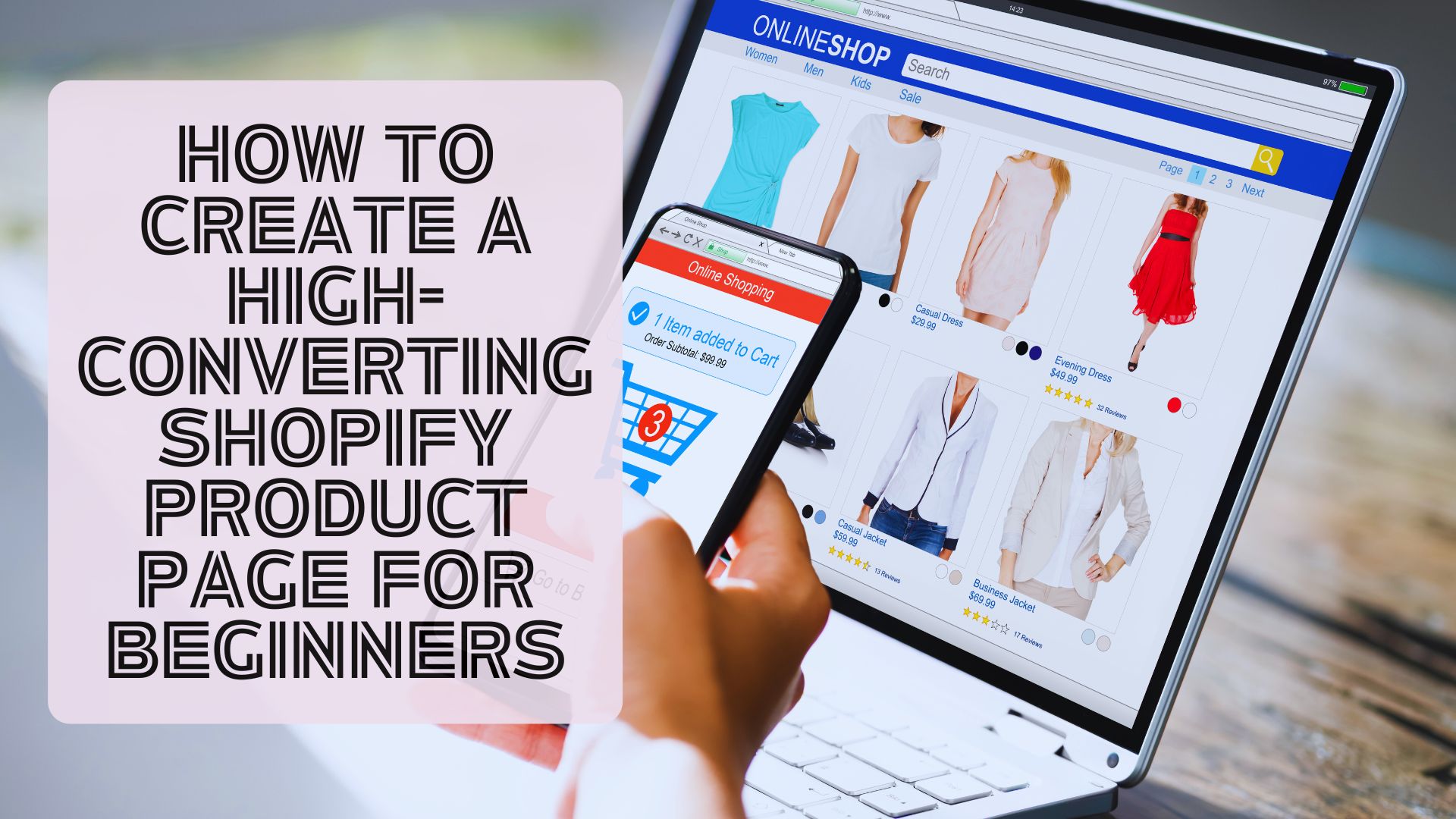
When you’re building an online fashion store, your product page becomes your most powerful sales tool. It’s where shoppers decide if they love the item, trust your brand, and feel confident enough to click “Add to Cart.”
The good news?
You don’t need design skills, coding knowledge, or years of experience to create a high-converting Shopify product page. Shopify’s built-in features make it easy for beginners to launch pages that look professional, rank in search engines, and convert consistently.
Whether you’re selling women’s clothing, accessories, or fashion dropshipping products, this guide will show you how to build a product page that drives traffic and boosts sales—starting today.
Why Your Product Page Matters More Than You Think
A great product page does more than show photos and pricing. It:
Builds trust with shoppers
Highlights product value
Reduces hesitation and unanswered questions
Boosts SEO visibility
Drives conversions and repeat purchases
Especially in the fashion niche, customers rely heavily on visuals, fit details, lifestyle context, and reviews. A well-optimized product page can outperform ads and improve organic traffic through better search rankings.
The Anatomy of a High-Converting Shopify Product Page
Here’s exactly what to include—and how Shopify helps beginners get it right.
1. Start With a Clear, Keyword-Rich Product Title
Shopify product titles help both shoppers and Google understand what you’re selling.
A strong title includes:
✔ Style name
✔ Key description (fabric, fit, print, category)
✔ Gender (optional but great for SEO)
✔ Occasion or trend keyword
High-converting example:
“Ribbed Knit Bodycon Midi Dress – Women’s Fall Fashion Outfit”
Avoid vague titles:
❌ “Emily Dress”
Strong titles improve SEO and help your listings appear for searches like women's ribbed dress, midi bodycon outfit, or fall fashion boutique outfits.
2. Use High-Quality Photos That Tell a Story
In fashion, photos sell the product. Shopify makes image uploads simple and mobile-friendly, even for beginners.
Include:
Front, back, close-up, and detail shots
Lifestyle photos on a model
Fabric/texture macro shots
Size guide image or model stats
Video clips if possible (Shopify supports MP4 uploads)
Pro Tip:
Name your images with keywords before uploading for stronger SEO.
Example: black-ribbed-bodycon-dress-womens-fashion.jpg
Also add descriptive alt text, such as:
“Women’s ribbed knit black bodycon dress – boutique fall outfit”
This helps with Google Image ranking and accessibility.
3. Write a Conversion-Focused Product Description
Fashion shoppers want clarity, inspiration, and confidence—not generic text.
Your product description should include:
A. Style Overview
Explain what makes it trendy or unique.
Example: “This ribbed bodycon midi dress is designed to flatter every curve with its stretchy knit fabric and sleek silhouette.”
B. Key Features & Benefits (Bullet Style)
✔ Stretchy ribbed fabric
✔ Seasonless look
✔ Perfect for fall layering
✔ Soft, comfortable fit
✔ Works for date night, parties, or everyday wear
C. Fit Details
List:
Model height
Size worn
Fit notes (true to size, runs small, etc.)
D. Fabric Info
Google loves descriptions that include materials.
E. Styling Suggestions
Boost conversions by helping shoppers visualize the outfit.
4. Strengthen Trust With Reviews and Social Proof
Shopify allows easy integration of review apps. Adding this immediately boosts credibility.
Social proof options:
Star ratings
Customer photos
“Verified Buyer” labels
Style notes shared by customers
Fashion shoppers rely heavily on real-world examples before buying.
5. Add Clear Pricing and Promotions
Make sure your pricing layout is clean:
Regular price
Compare-at price (if on sale)
Badges like “New Arrival” or “Best Seller”
Discount banners or Shopify’s automatic price savings
“Spend $X for Free Shipping” prompts
These elements increase urgency and raise conversion rates.
6. Optimize with Shopify’s Built-In SEO Tools
Shopify gives beginners all the SEO fields they need:
A. Meta Title (SEO Title)
Include keywords such as:
“Women’s Black Ribbed Bodycon Dress | Online Fashion Boutique”
B. Meta Description
140–160 characters, benefit-focused:
“Shop this ribbed knit bodycon dress for women. Trendy fall fashion, fast shipping, and boutique-quality styles for your wardrobe.”
C. URL Handle
Clean and focused:
/products/ribbed-bodycon-midi-dress
These simple edits help Google understand what your page is about—and help shoppers click.
7. Improve Page Speed to Boost Conversions
Shopify product pages are already optimized for performance, but beginners can make them even better by:
Compressing images
Avoiding oversized GIFs or videos
Using Shopify’s built-in CDN
Selecting a fast, lightweight theme
Minimizing heavy apps
Faster pages = higher conversions + better rankings.
Use Shopify’s built-in “Suggested Products” or apps that automate cross-selling.
Examples for fashion boutiques:
→ “Pair With These Boots”
→ “Complete the Look”
→ “Customers Also Bought”
This increases average order value and helps shoppers explore your store longer.
9. Use Shopify’s Templates & Apps to Enhance Product Pages
These tools can help beginners level up instantly:
Page Optimization Apps
These tools require zero technical experience.
How Fashion Entrepreneurs Can Boost Conversions Even More
For clothing boutiques, focus on key conversion factors:
✔ Include size charts on every page
✔ Add model measurements & height
✔ Use lifestyle photos whenever possible
✔ Highlight fabric stretch, fit, and comfort
✔ Add badges: “Trending,” “Bestseller,” “Staff Favorite”
✔ Offer easy returns to reduce buyer hesitation
Small improvements can create big conversion lifts.
Launch With High-Converting Product Pages—Even Faster
If you’re building a fashion boutique, our My Online Fashion Store Shopify app makes the entire process even easier.

You’ll get:
🚀 Thousands of trendy, ready-to-sell styles
🖼️ Free professional product photos (designed for conversions + SEO)
📦 Fast U.S. shipping from Los Angeles
💵 Zero inventory required
🎨 Optional custom packaging & branding
🔗 Seamless Shopify integration
All products come loaded with:
Clean titles
SEO-friendly images
Detailed descriptions
High-converting layouts
Perfect for beginners launching their first online boutique.
Why Shopify Is the Best E-Commerce Platform for High-Converting Product Pages

Shopify gives beginners a major advantage:
Drag-and-drop product editor
Lightning-fast mobile optimization
Built-in SEO tools
Automatic image compression
Professional themes created for conversions
Apps that simplify upsells, reviews, and trust-building
Launch for just $1/month
If you want a fashion business that grows steadily, Shopify is the platform built for long-term success.
Build a Fashion Store That Converts From Day One
A high-converting Shopify product page doesn’t require advanced skills—just smart structure, strong visuals, and Shopify’s built-in tools.
Combine that with trending products, fast shipping, and optimized images from My Online Fashion Store, and you'll be set up for success from the moment you launch.
Thank You
From the Team at:
StyleBizWeekly.com
MyOnlineFashionStore.com
CCWholesaleClothing.com
📞 Toll-Free: 1.866.298.8402
📩 [email protected]